Clear monthly pricing
Choose a plan, review the first invoice, and activate after your payment is verified.
Built for phone & electronics retailers in Africa
The retail platform for phone and electronics shops. Sell in-store and online, track phone IMEIs, manage repairs, run offers, and reconcile cash — across every branch, from one ledger.
The product
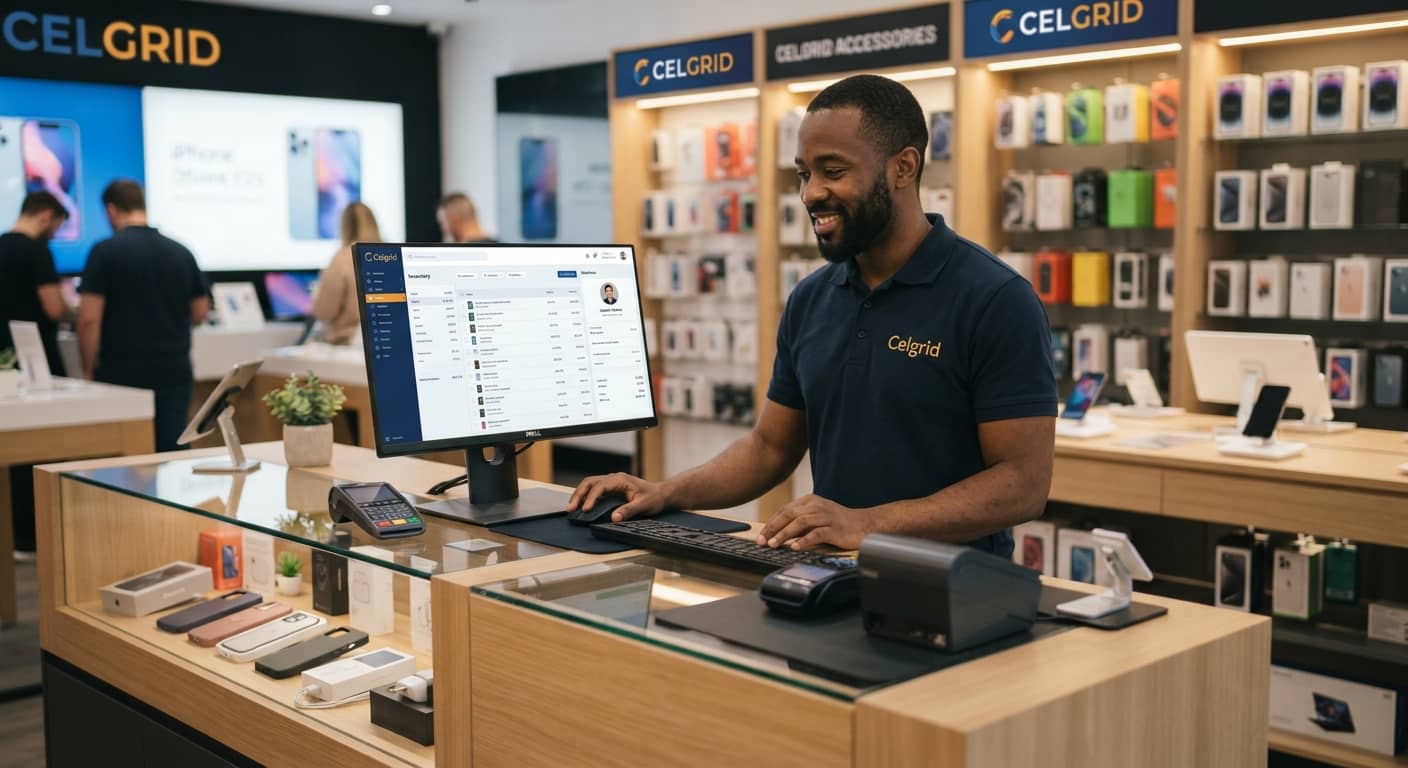
Nine modules, built as one product — not nine bolt-ons. Here's what that looks like at the counter, at the workshop, and at close of day.
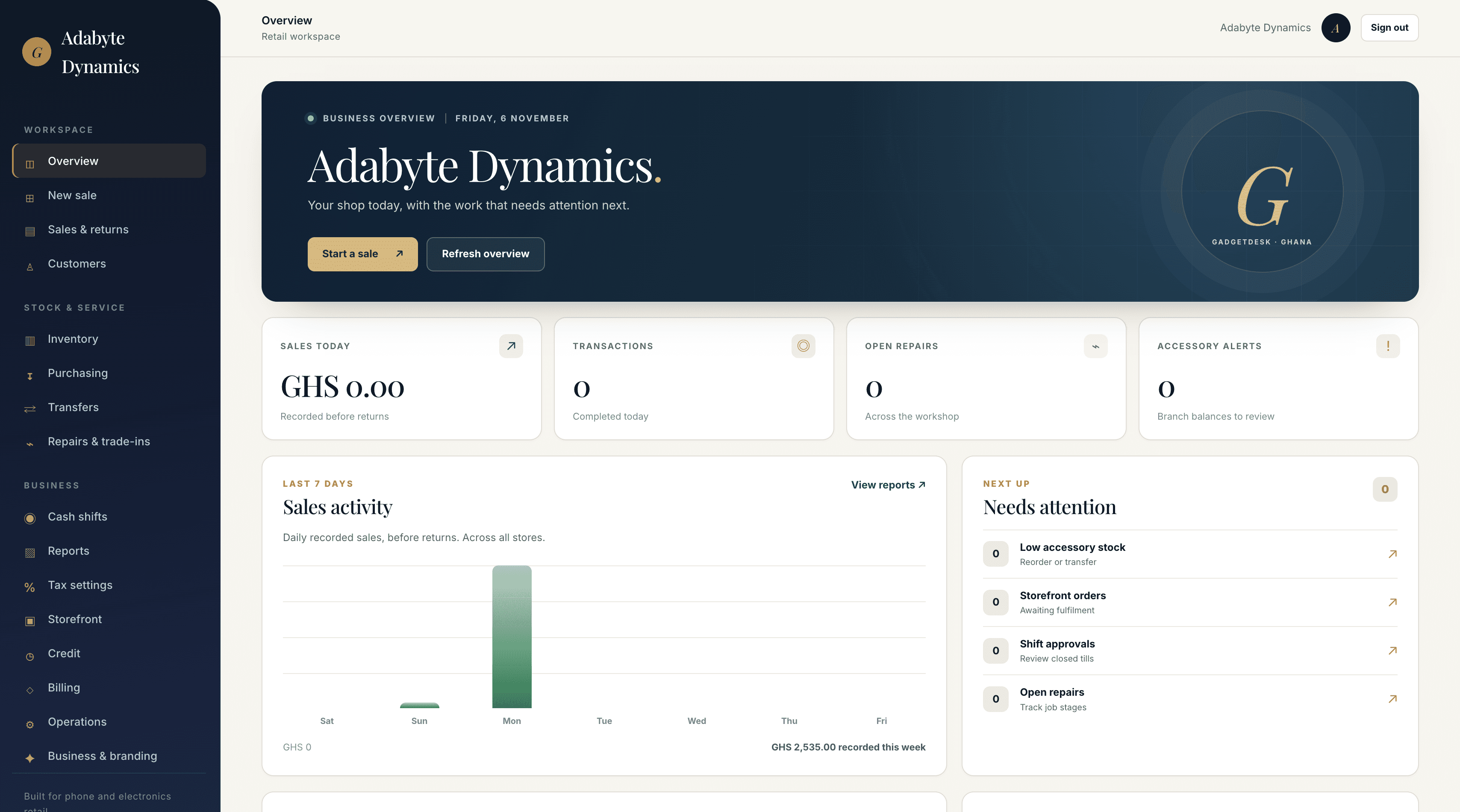
Select a store and customer, add products or an IMEI unit, take split payments, and print a receipt.
The POS is the module your team touches a hundred times a day. It's the one we obsessed over most — one screen, no menus, and checkout confirms each sale with the live server.
Our commitments
Software should earn your business every month, not trap it. Here's what you can review before signing up.
Choose a plan, review the first invoice, and activate after your payment is verified.
Download available sales, tax, and accounting exports from the app.
Upload product data through the inventory import screen.
See your subscription, invoices, and access status in the billing page.
The platform
The daily work of phone and electronics retail, built into one connected workspace.
Sell phones, laptops, tablets, wearables, and accessories; track phone IMEIs, take split payments, and print receipts. Checkout requires a live connection.
02IMEI tracking from intake to sale, branch stock balances, purchase receipts, and inter-store transfers.
03Record intake, diagnosis, parts, technician assignment, job stages, and service history in one place.
04Customer profiles and sales history, plus managed credit agreements on eligible plans.
05Manage suppliers, purchase orders, goods received, and branch stock updates.
06Configure tax rules, review sales and tax reports, and export accounting data for your review.
07Open and close cashier shifts, review variances, and move stock between stores.
08Review sales, margin, inventory value, tax, and finance reports with downloadable exports.
09On eligible plans, publish products, run timed offers and flash sales, share campaigns, and reserve branch stock for online orders.
What it replaces
Bring stock, customer records, cash, and sales together in one workspace for your shop.
Stock, IMEIs, and cash tracked in Google Sheets with no audit trail.
Credit balances and layaway written down by hand, disputed monthly.
Repair status updates lost in a 400-message thread.
A second app the cashier forgets to open.
Cash and mobile money recorded across different systems.
Hand-rolled CSV exports to a bookkeeper every Friday.
A day on GadgetDesk
Every module hands off to the next. The cashier, the workshop, and the books all read from the same ledger.
Open a cashier shift and record the opening float before the first sale.
IMEI recorded on the sale and linked to the selected customer.
Repair job updated with its stage, technician, parts, and customer history.
Receive a purchase order and update stock at the selected store.
Create an approved credit sale and record its repayment schedule.
Close the cashier shift, review payments, and approve any variance.
That's one day. Across nine modules. Without a single spreadsheet.
Why GadgetDesk
Tenant scoping, audit records, and role permissions are architectural decisions — not features you bolt on later.
Store-level stock and cash shifts support multiple branches, with recorded transfers and permissions.
Tenant-scoped APIs, session authentication, role checks, and audit records for key operations.
Checkout confirms stock and records payments through the live API before completing a sale.
Cashier, workshop, manager, owner — permissions enforced server-side, not hidden in the UI. Every action is traceable to a person.
Pricing
Monthly plans for your business, with clear limits and included features.
Live pricing is temporarily unavailable. Please try again shortly.
Monthly plans in GHS · First invoice issued at signup · Access after verified payment
Questions
Create an account, submit business details and a registration certificate, then set up your first store, products, and staff. Allow time to verify your setup before live sales.
No. The POS currently requires an internet connection. We will only advertise offline sales after local queueing and reconciliation are tested.
You can import products in the inventory screen. Review other records before moving them into GadgetDesk; a managed migration service is not yet available.
Partner financing is planned but is not connected yet. Credit sales currently require an eligible plan, merchant approval, and the required compliance setup.
Online payment collection is not active yet. For now, staff record a payment only after verifying it with the payment provider.
Eligible shops can share campaign links and queue WhatsApp offers for customers who separately opted in. Automated delivery needs a connected WhatsApp provider and an approved marketing template.
GadgetDesk runs in a web browser and adapts to smaller screens. A dedicated mobile app and installable offline PWA are not available.
The API scopes merchant data by tenant and enforces role permissions. Review your deployment settings, HTTPS, backups, and access controls before production use.
A seven-day grace period follows the billing period. If an invoice remains unpaid after grace, new transactions are restricted; existing records and invoices remain readable. Contact the platform operator to resolve a payment.
Ready when you are
Choose a monthly plan and submit your business details. Your first invoice appears after signup, and access starts once payment is verified.
GET IN TOUCH
Talk to the team behind the platform. Merchants can also open a support request from their workspace.